 ENYO
ENYO
ENYO
ENYO
FOR CROSSFIT GYMS
Huge digits, real beeps, nothing else. No account, no feed, no ads — open it, set the piece, hit START.
Eight modes
Running a chipper? That's FOR TIME, with a cap if your gym uses one.
Built for the gym floor
On multi-round pieces the round rides right beside the clock — R3 00:20 — sized to be read from the far rig, not tucked in a corner.
Short beeps into every interval, a long beep and haptic on every work interval, a lower tone into rest. Mixes with the music instead of stopping it.
Reads the system's monotonic media clock, not frame counts, so it stays exact through pauses, backgrounding and dropped frames.
One app, every screen
Buy it once on iPhone — the Apple Watch app comes right along with it. Same clock on Android, from Google Play.
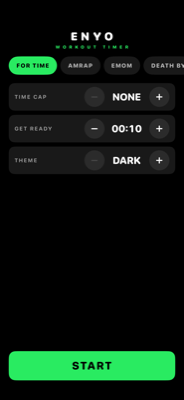
iPhone
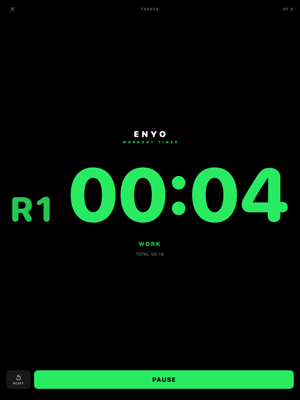
iPad
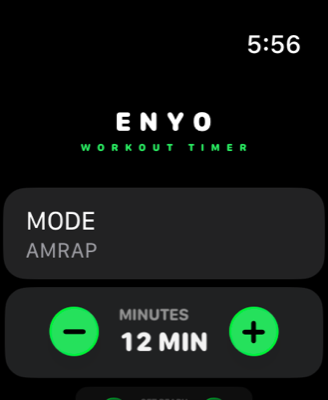
Apple Watch
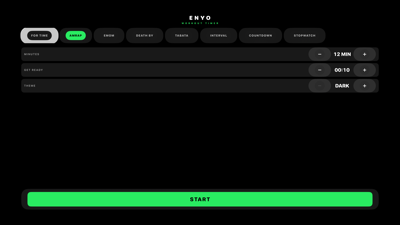
Apple TV
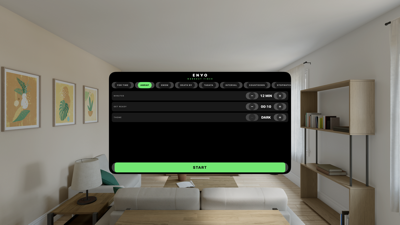
Vision Pro
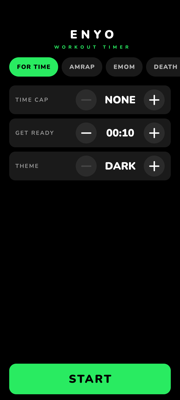
Android
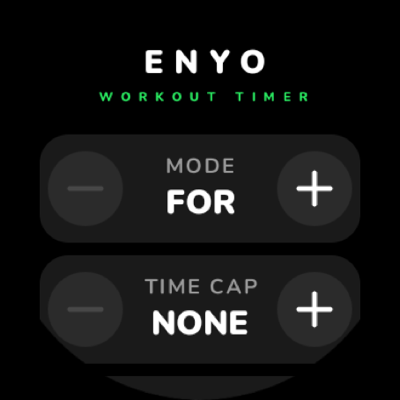
Wear OS
Common questions
The beeps stopped when I switched apps.
That is by design. This is a screen-on gym clock, not a background timer — the cues fire only while the app is in front. Leave it on the screen and the display stays awake on its own for as long as the clock is running.
Will it talk over my music?
No. The audio session mixes rather than interrupts, so the music in the room keeps playing and ducks slightly under each beep.
Can I use the keyboard?
Yes, on iPad and Mac. The space bar works the big button — START, then PAUSE and RESUME while the clock runs, and AGAIN once a workout has finished. Freezing a result with STOP is still a deliberate tap.
Why doesn't the app follow my system light or dark mode?
Because a clock on a gym wall should not turn white at sunrise. The theme is a setting you choose once, at the bottom of the setup screen, and it is remembered per device.
How do I run a chipper?
Use FOR TIME, and set a cap if your gym uses one. It doesn't need a mode of its own.
Is the clock accurate over a long workout?
Yes. It reads the system's monotonic media clock rather than accumulating ticks, so it stays exact through pauses, backgrounding, and dropped frames.
What does the app collect about me?
Nothing — no accounts, no analytics, no network connections. Read the full privacy policy.
Email us and tell us which device and which mode. We read everything.
support@enyotechnologies.com